![GTR Logo-01-n-text-white-2.png]](https://knowledgebase.getthereferral.com/hs-fs/hubfs/GTR%20Logo-01-n-text-white-2.png?height=40&name=GTR%20Logo-01-n-text-white-2.png)
View & Manage Pending Payments
Location: Advocates > Pending Payments
If the Company Admin would like to pay out an advocate rewards or, it call all be accessed under “Pending Payments”
The Pending payments section not only enables you to pay out Advocates, but also have a list of Advocates that need to be paid.
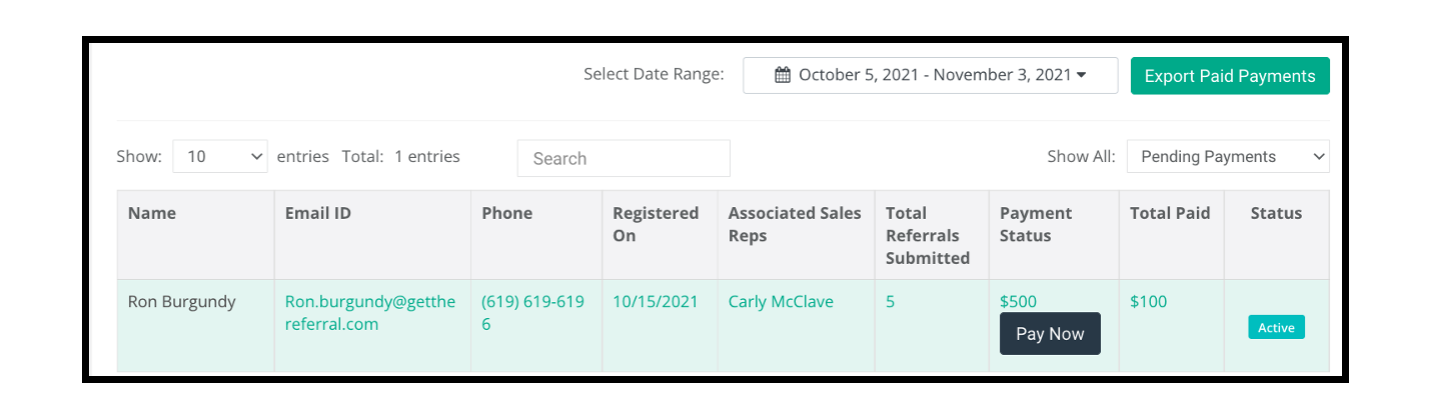
In order to pay out an Advocate, put the mouse cursor over “Payment Status” to payout an Advocate
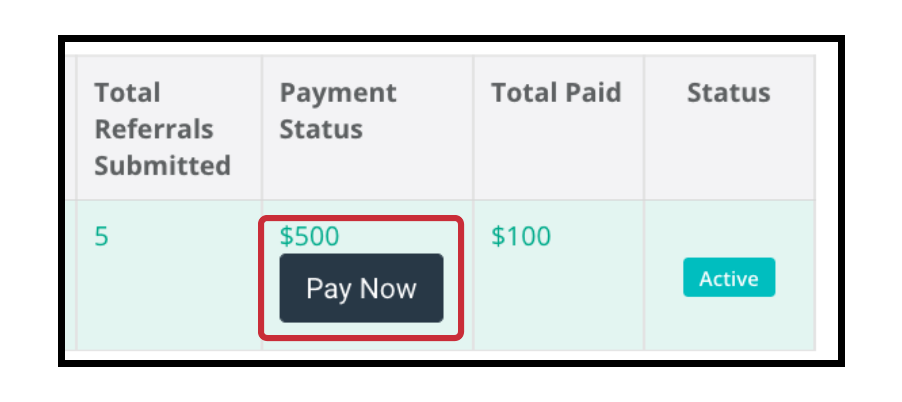
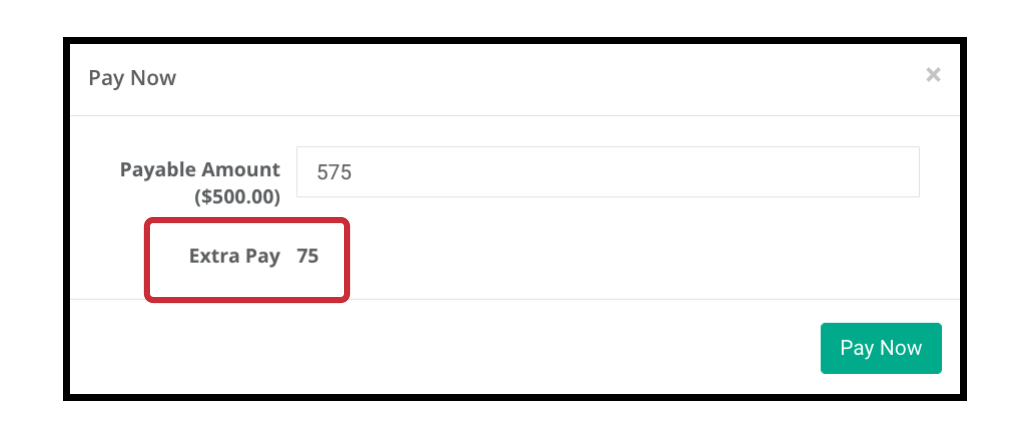
Company Admins will have the option to
- pay the full amount (which will remove them from the Pending Payments screen)
- a partial amount or extra pay
Export Paid Payments
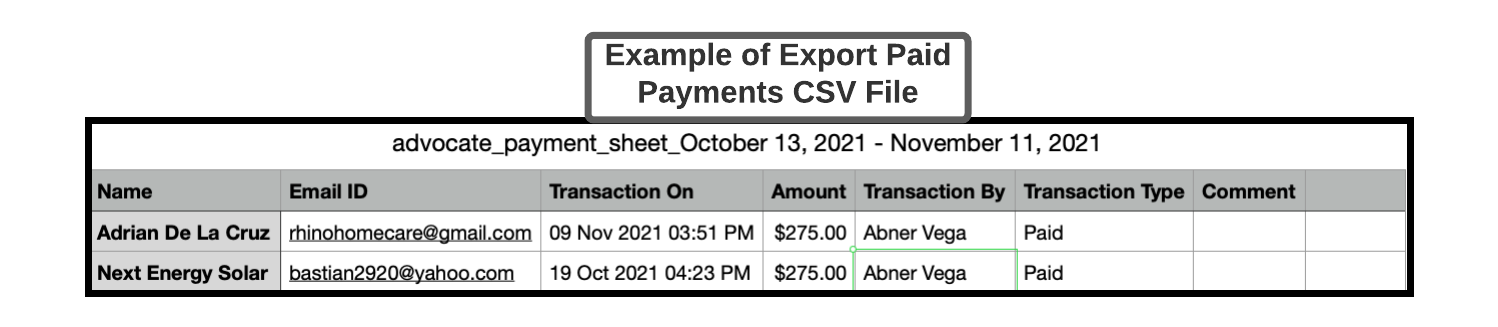
Not only can the Company Admin view & manage pending payments, but also Export Paid Payments.
This can be useful for accounting reports, in which the Company Admin can see what advocates have been paid
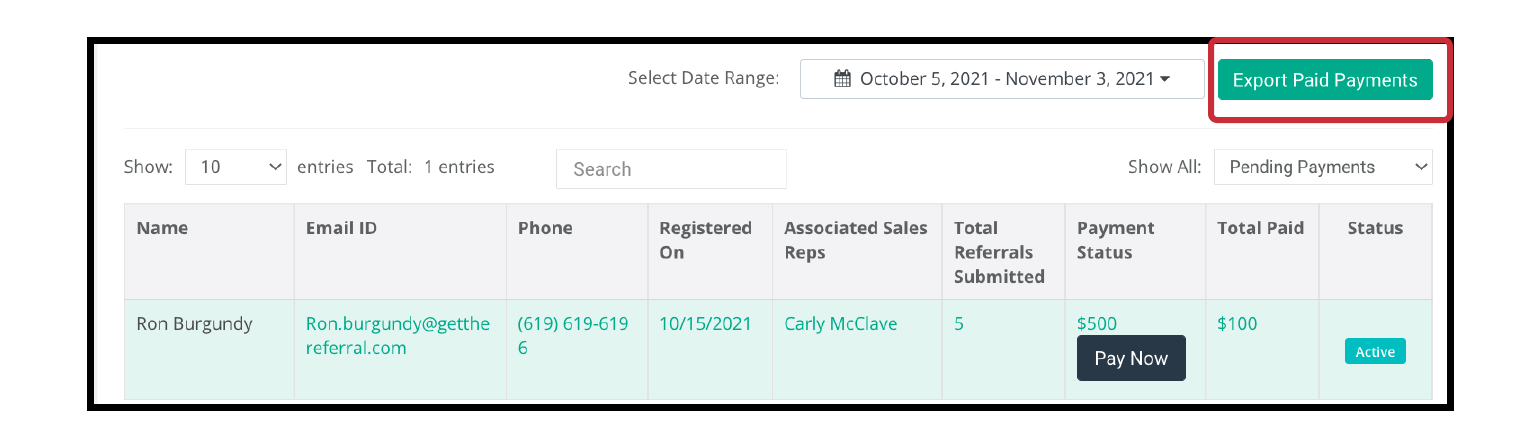
Make sure to select the correct Date Range to view the Paid Payments

Once Export Paid Payments is selected, a downloadable CSV file with all the payment information.