![GTR Logo-01-n-text-white-2.png]](https://knowledgebase.getthereferral.com/hs-fs/hubfs/GTR%20Logo-01-n-text-white-2.png?height=40&name=GTR%20Logo-01-n-text-white-2.png)
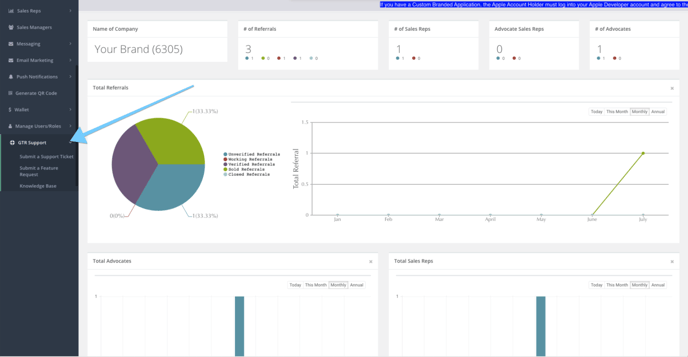
Figure 88 - The GTR Support tab hold the option to Submit a Support Ticket, Submitting a Feature Request, and Access our Knowledge Base
Submitting a Support Ticket
To submit a support ticket, click "Submit a Support Ticket" as shown in the above image. You will then be prompted to fill out a form explaining your Support issue.
See Below: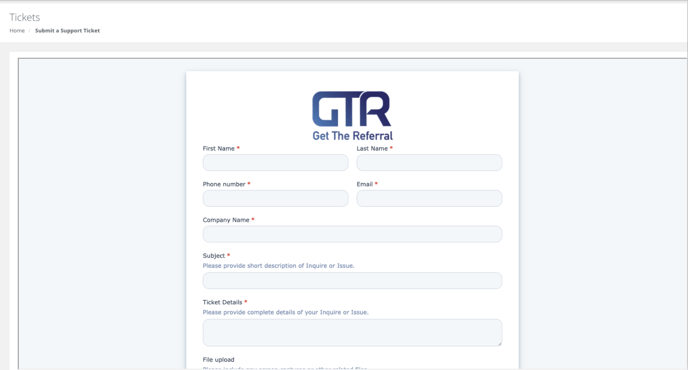
Common Tickets include: Integrations not functioning properly, App Functionality Issues, or an Advocate having issues logging into the app
What We Need: Info of the Advocate involved (If Advocate Issue), Screenshots or Videos of the issue to provide to our Product and Dev Team
Submitting a Feature Request
To submit a support ticket, click "Submit a Feature Request" as shown in Figure 88. You will then be prompted to fill out a form detailing your Request.
See Below:
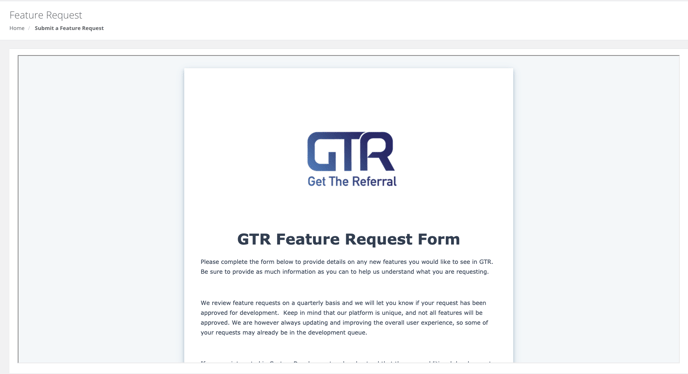
NOTE: We review feature requests on a quarterly basis and we will only contact you if your request has been approved for development. Keep in mind that our platform is unique, and not all features will be approved. We are however always updating and improving the overall user experience, so some of your requests may already be in the development queue.