![GTR Logo-01-n-text-white-2.png]](https://knowledgebase.getthereferral.com/hs-fs/hubfs/GTR%20Logo-01-n-text-white-2.png?height=40&name=GTR%20Logo-01-n-text-white-2.png)
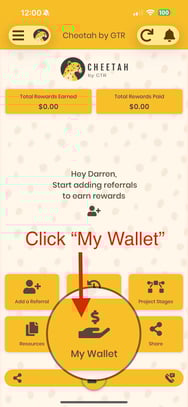
1.) Advocate logs into the App
2.) tap on 'My Wallet' Button
3.) Type in password (for security purposes)
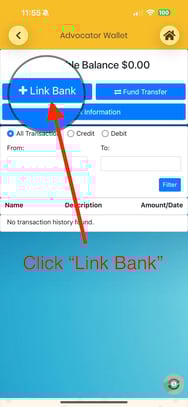
4.) Tap the Link Bank button (Big Blue Button on the top left of screen)
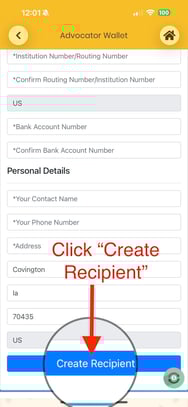
5.) Fill in Necessary Banking Information (all fields marked with *)
6.) Tap 'create recipient' at the bottom of the screen