![GTR Logo-01-n-text-white-2.png]](https://knowledgebase.getthereferral.com/hs-fs/hubfs/GTR%20Logo-01-n-text-white-2.png?height=40&name=GTR%20Logo-01-n-text-white-2.png)
To view the full Document of Project Management Stages, Click here
Editing Project Management Stages
Location: Settings > Project Management Stage
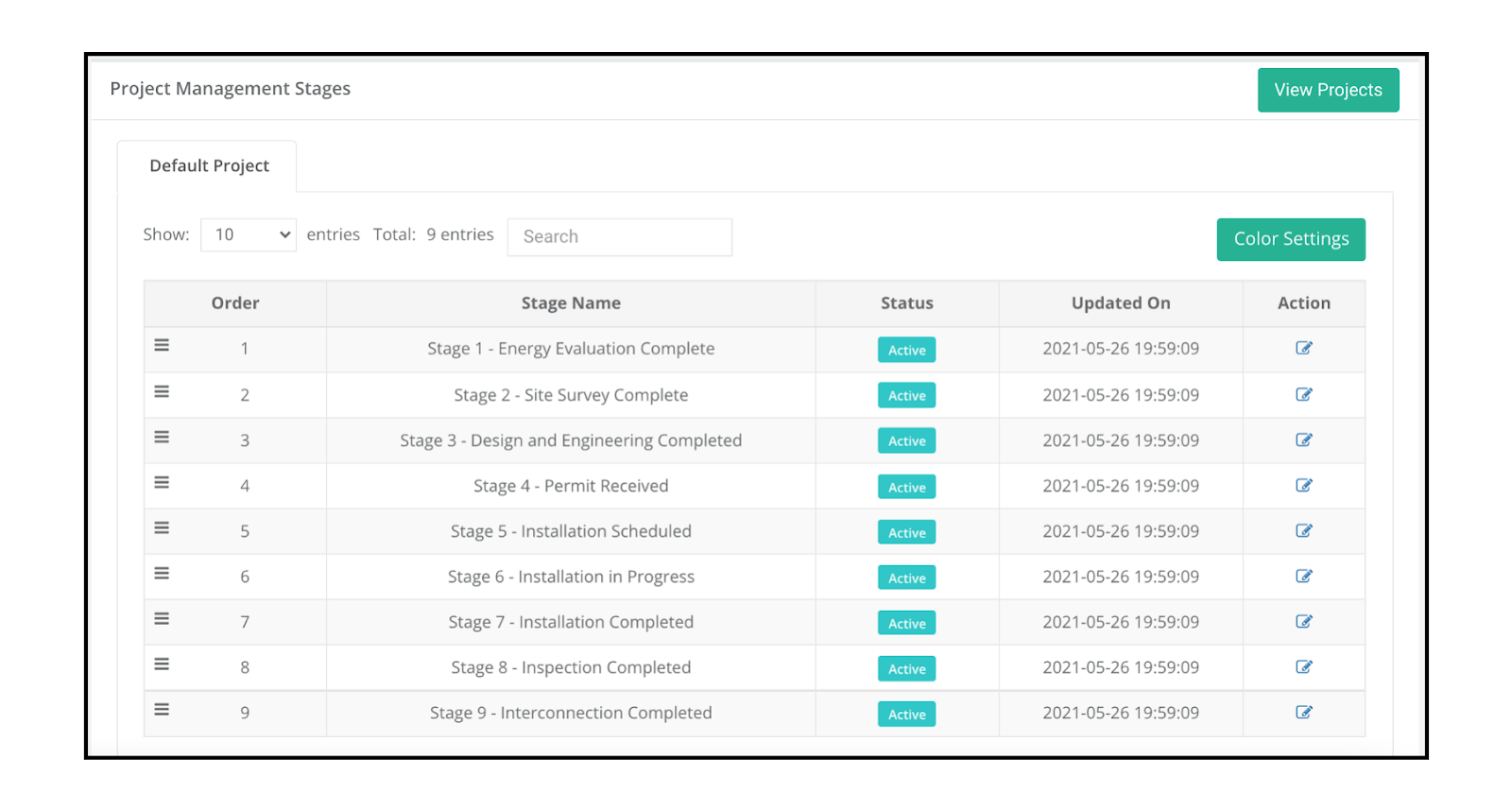
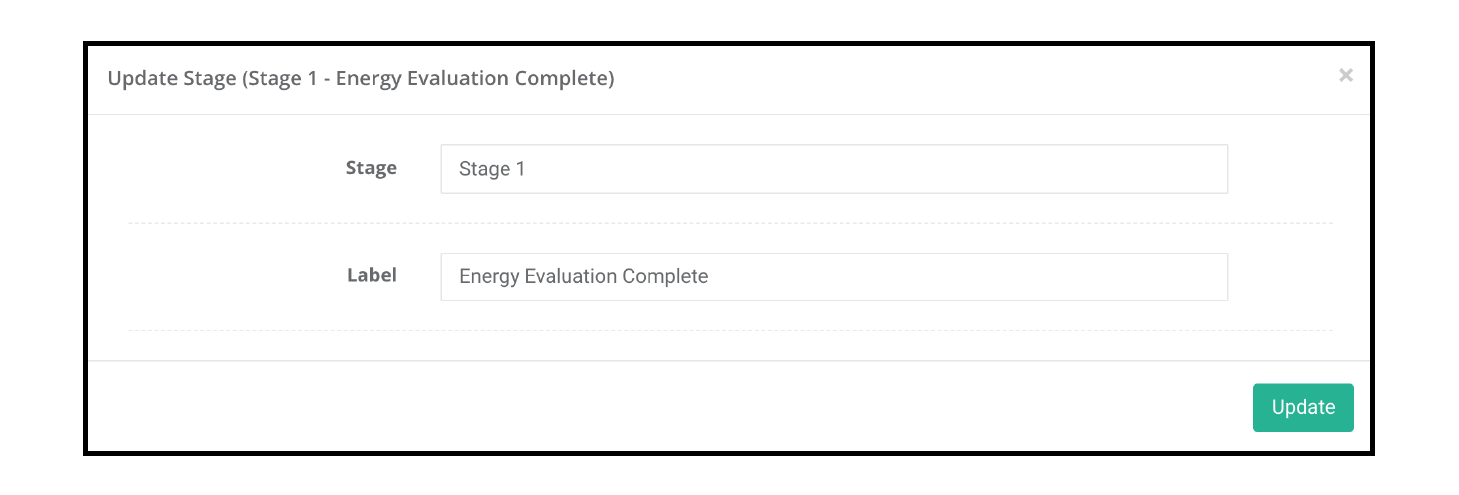
Establishing these milestones can be set by clicking on the edit pencil under the Action Header. The Label titles are customer facing.
9 stages is the maximum amount but if you’d like to use less, you can click ‘Active’ to make a stage inactive.

If your package allows multiple projects, you can click on ‘View Projects’ to title each tracker
i.e Solar Project, Windows Project etc
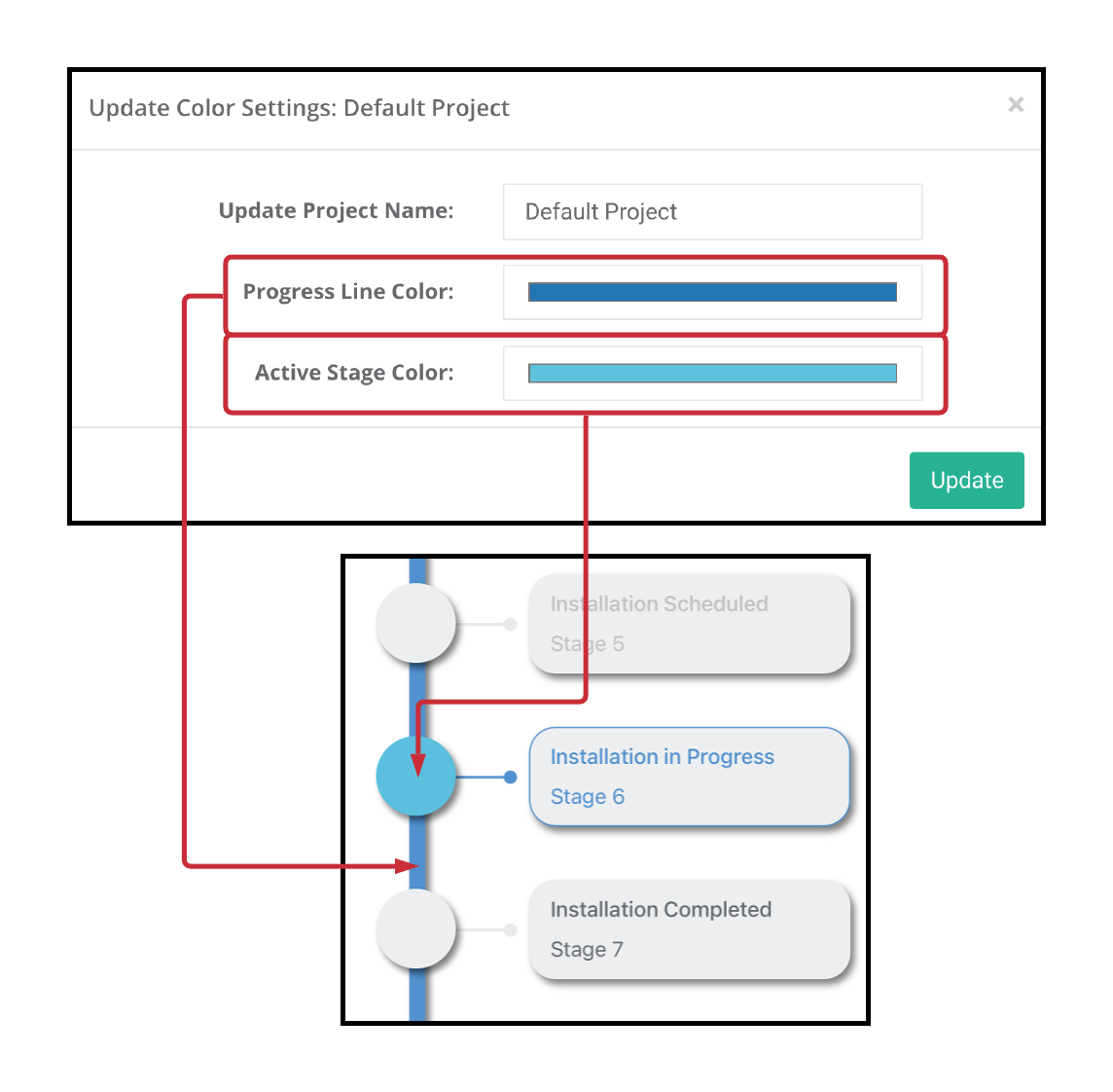
Color Settings for App
If you want to modify the way the Project Stage colors work to match your brand coloring, you can easily do that by pressing the “Color Settings” green button located on the Project Management Dashboard.